
Reserved Number Space Certain 3-4 digit extensions should NOT be used. Please be aware of the Reserved Number Space page to avoid any conflicts with dial translations. Star Code Feature Description *** Dynamically Park a Call (in the 701-709 range) *{parking lot} Park a Call (to a specified park ext) *35{ext} Extension Pickup - Answer a…
Read more
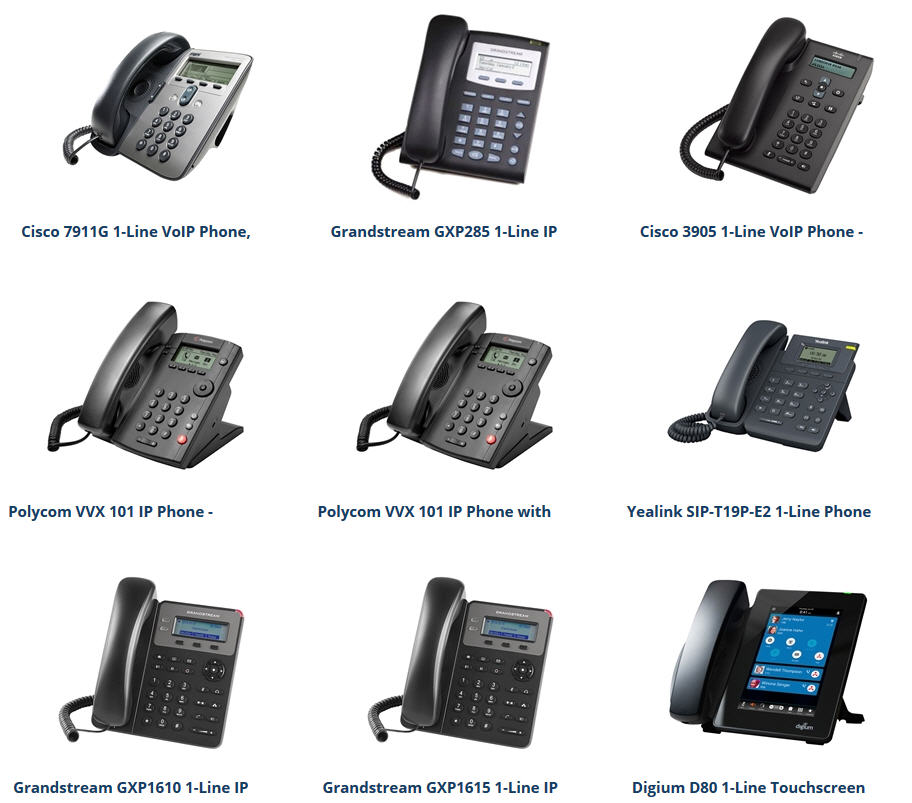
One Line Phone
Up to 10 Free NEW Phone 1.- Yealink SIP-T19P The SIP-T19P E2 is one of Yealink’s latest answers for the entry-level IP phone that offers features and performance normally associated with much more advanced phones. The quite intentional choice of high-quality materials, combined with a generously large 132x64-pixel graphical LCD that gives a clear 5-line display,guarantees…
Read more
Find IP Phone Yealink
Find your phone's IP address 1.- If you see exit on the screen click exit 2.- Click Menu 3.- Click Dial Key 1 4.- Copy your IP
Read more
Factory Reset on Yealink
To reset all Yealink Phone follow this simple step 1.- If you see exit on the screen click exit 2.- Hold down the OK button a few seconds, and then the display will appear. 3.- Display will appear warning "Reset to Factory Setting", press OK again to confirm the reset.
Read more

 WhatsApp us